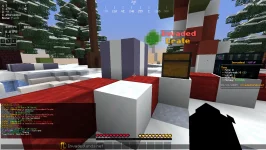
The following commands are things you can do with the /pw command:
/pw (name of warp)
/pw create (name of warp you want to create)
/pw remove (name of warp you own)
/pw rate (name of warp) (number 1 - 5)
These should help you with creating and visiting personal warps in-game!
Additionally, you are able to lock and then unlock your player warp to the player base via another command. Simply execute /lock <Name of Player Warp>, and it will guarantee no one is able to visit your player warp. This is extremely useful whenever you're hosting events when you want to make sure players are not re-entering the event via the player warp. Finally, if you're looking to re-open your player warp, you can simply re-execute the same command for it to be fully unlocked
This site uses cookies to help personalise content, tailor your experience and to keep you logged in if you register.
By continuing to use this site, you are consenting to our use of cookies.